Data Library
Governed claims datasets, ready to analyze
Browse and connect curated claims datasets in one place. Each source is described with its coverage, vintage, and lineage so analysts start from trusted, well-understood data.
Self-serve claims analytics
CME helps life-sciences teams turn healthcare claims data into reproducible cohorts and answers — across Oncology, Hematology, and Autoimmune therapeutic areas — without waiting on a data engineering queue.
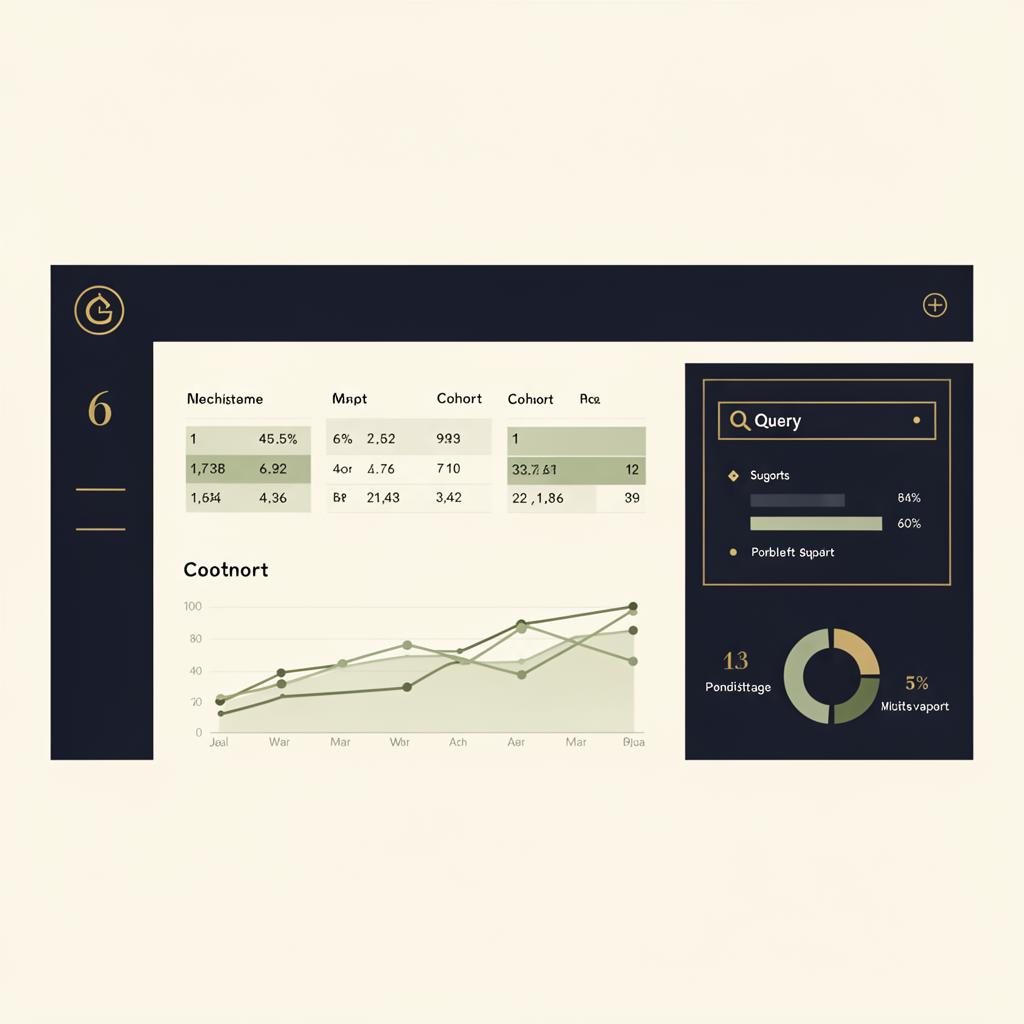
The workbench
Five connected modules take you from raw claims sources to defensible evidence — each designed to keep cohort logic transparent and reusable.
Governed claims datasets, ready to analyze
Browse and connect curated claims datasets in one place. Each source is described with its coverage, vintage, and lineage so analysts start from trusted, well-understood data.
Configure a cohort study, step by step
A guided wizard walks you from disease and drug definition through scope, datasets, code discovery, rule vetting, and module selection. Every choice is captured so the analysis is reproducible.
Reusable, version-aware code lists
Discover, subscribe to, and track updates on diagnosis and procedure code sets. Keep cohort definitions consistent across projects and stay current as code lists evolve.
Ask your cohort questions in plain language
A manifest-bounded Text-to-SQL studio over your project's Intermediate Tables. Ask about lines of therapy, regimens, or comorbidities and get answers safely scoped to your project.
Automate recurring analyses
Production agents run recurring cohort summaries, scheduled queries with alerting, and product-KPI monitoring — so routine reporting happens on its own.
How it works
The project wizard captures every decision so your analysis is transparent and reproducible from definition to run.
Frame the question
Set the therapeutic area, condition, and product of interest to anchor the study.
Population & timeframe
Establish the index period, inclusion windows, and the population the analysis should cover.
Connect the data
Select the governed claims sources that feed the cohort from the Data Library.
Build the definitions
Surface candidate diagnosis and procedure codes and assemble the lists that define your cohort.
Review & refine
Inspect and adjust the cohort logic so every inclusion and exclusion rule is intentional.
Produce evidence
Pick the analytic modules to compute, then run the project to generate cohort tables and outputs.
Querying is manifest-bounded and scoped to your project's Intermediate Tables, so analysts explore freely within guardrails that keep data access controlled.
Reusable code lists and captured cohort logic mean studies can be re-run, audited, and shared across teams without rebuilding definitions each time.
Access is by invitation. Sign in with your account, or reach out to request one for your team.